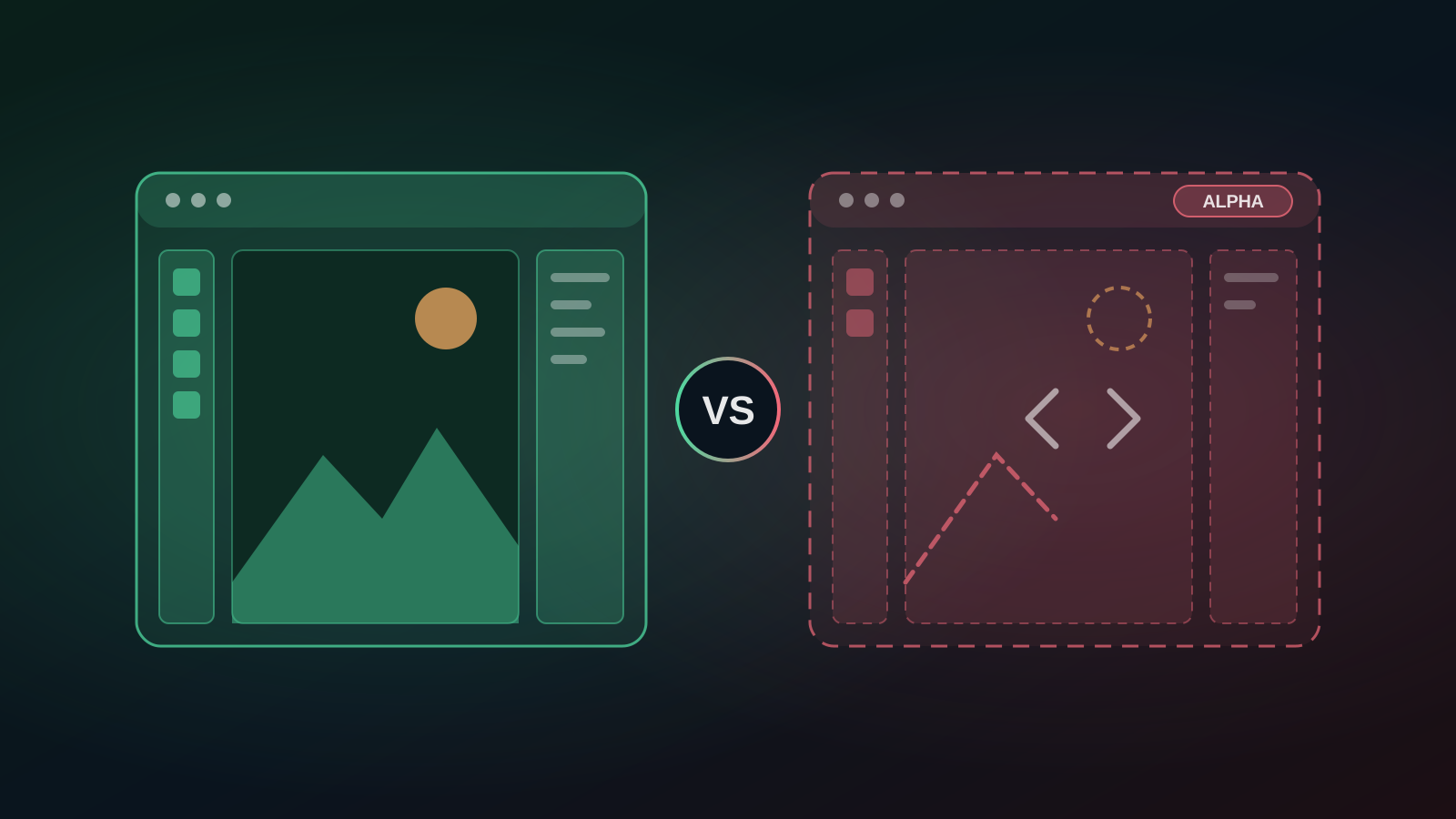
This week the internet decided Adobe was in trouble. A developer used AI to rebuild Photoshop, Illustrator, Premiere and four other Adobe apps over a single weekend, released them free and open source, and creators from Philip DeFranco down started asking whether this is the beginning of the end for Creative Cloud.
It is a good story. For a business deciding where to spend its design budget this month, it also needs some context.
What Actually Happened
Developer Brandon Thomas turned his Artcraft project into seven open-source apps that recreate the interfaces and core tools of Adobe's best-known products:
- PhotoCraft, modelled on Photoshop
- VectorCraft, modelled on Illustrator
- FilmCraft, modelled on Premiere
- LightCraft, modelled on Lightroom
- EffectCraft, modelled on After Effects
- DesignCraft, modelled on InDesign
- PrintCraft, modelled on Acrobat Pro
He says he built them with AI coding tools. The apps are written in Rust, run locally or in a browser, need no account and are released under the MIT and Apache licences.
The timing helped the story spread. Earlier this year Adobe agreed to a US$150 million settlement with the US Justice Department over how clearly it disclosed early cancellation fees on its subscription plans. Adobe denied wrongdoing. Its share price has also had a difficult 2026 as investors weigh the threat from generative AI. A free, AI-built Photoshop lands neatly on top of both of those narratives.
What the Headlines Leave Out
Thomas himself describes the software as a "super early alpha".
PhotoCraft is the most developed of the seven. Reports say it opens and saves PSD files and supports layers, masks, adjustment layers and more than 70 filters. The other six are further behind. An early promise of full feature parity within a month has since been walked back to a timeline of months.
That matters if you run a business. Free and open source is genuinely valuable, but alpha software is not where you want your brand assets, client deliverables or marketing calendar to live. There is no support desk, no guarantee the next update will not break a file, and no track record yet.
The Bigger Lesson: AI Is Changing How Creative Work Gets Done
The more useful takeaway is not "Adobe is finished". It is that AI now does a large share of the repetitive work that used to need expensive software and specialist time:
- Removing and replacing backgrounds
- Generating first-draft visuals for social posts and presentations
- Extending or resizing images for different platforms
- Producing variations of a design quickly for testing
Both sides are moving. Open-source projects are using AI to build tools faster. Adobe has built generative AI directly into its products through Firefly.
So Which Should a South African Business Use?
It depends on what you need the tool to do.
Use a free or open-source tool if:
- You are experimenting and do not yet have a design budget
- You are comfortable with rough edges and doing your own troubleshooting
- The work is internal and not client-facing
Use an established commercial tool if:
- You produce client-facing or brand-critical work
- Your team needs reliable file compatibility with agencies, printers and partners
- You need predictable updates, support and licensing terms you can rely on
For most small and growing businesses, the sensible approach is not to choose one camp. Test free tools for low-risk work. Keep a reliable production tool for anything that carries your brand.
Where Adobe Firefly Fits
If you want generative AI for marketing images without learning full Photoshop, Adobe Firefly is a practical starting point. It generates and edits images from text prompts, is trained on licensed content, which matters for commercial use, and plugs into the wider Adobe toolset if your team grows into it. Check Adobe's site for current plans and free usage limits before you commit, as these change regularly.
Before you subscribe to anything, read the cancellation terms. The Adobe settlement is a useful reminder to check whether a plan is billed monthly or annually, and what happens if you cancel early.
Need Premiere or After Effects? AI Video Tools That Work Today
FilmCraft and EffectCraft, the Premiere and After Effects clones, are the least developed of the seven. If video is what your business actually needs, most small teams are not editing feature films. They are making short social clips, adding captions and turning one long recording into several posts. Browser-based AI tools already handle that well:
- VEED: a browser video editor with AI subtitles, so you can edit without installing anything
- Submagic: automatic captions and effects for short-form video on TikTok, Reels and Shorts
- OpusClip: turns a long video, webinar or podcast into short clips ready to post
- ElevenLabs: AI voiceovers when you need narration without a recording studio
- Ocoya: creates and schedules the social posts that go with your visuals
Most have free plans or trials, so you can test them on a real project before paying. Compare them side by side in the AI Tool Advisor.
Not Sure Which Design Tool Fits Your Team?
Firefly and the Artcraft clones are two options out of hundreds. Our free AI Tool Advisor lets you filter 600+ AI tools by industry, use case, price and reliability, so you can build a shortlist that suits your work and your budget. You can also compare Canva AI and Adobe Express if you need quick, template-led designs rather than full image editing.
Smart data, smarter transformation.
Disclosure: some links to third-party tools on okiru.biz are affiliate or referral links. If you sign up through them, Okiru may earn a commission at no extra cost to you.