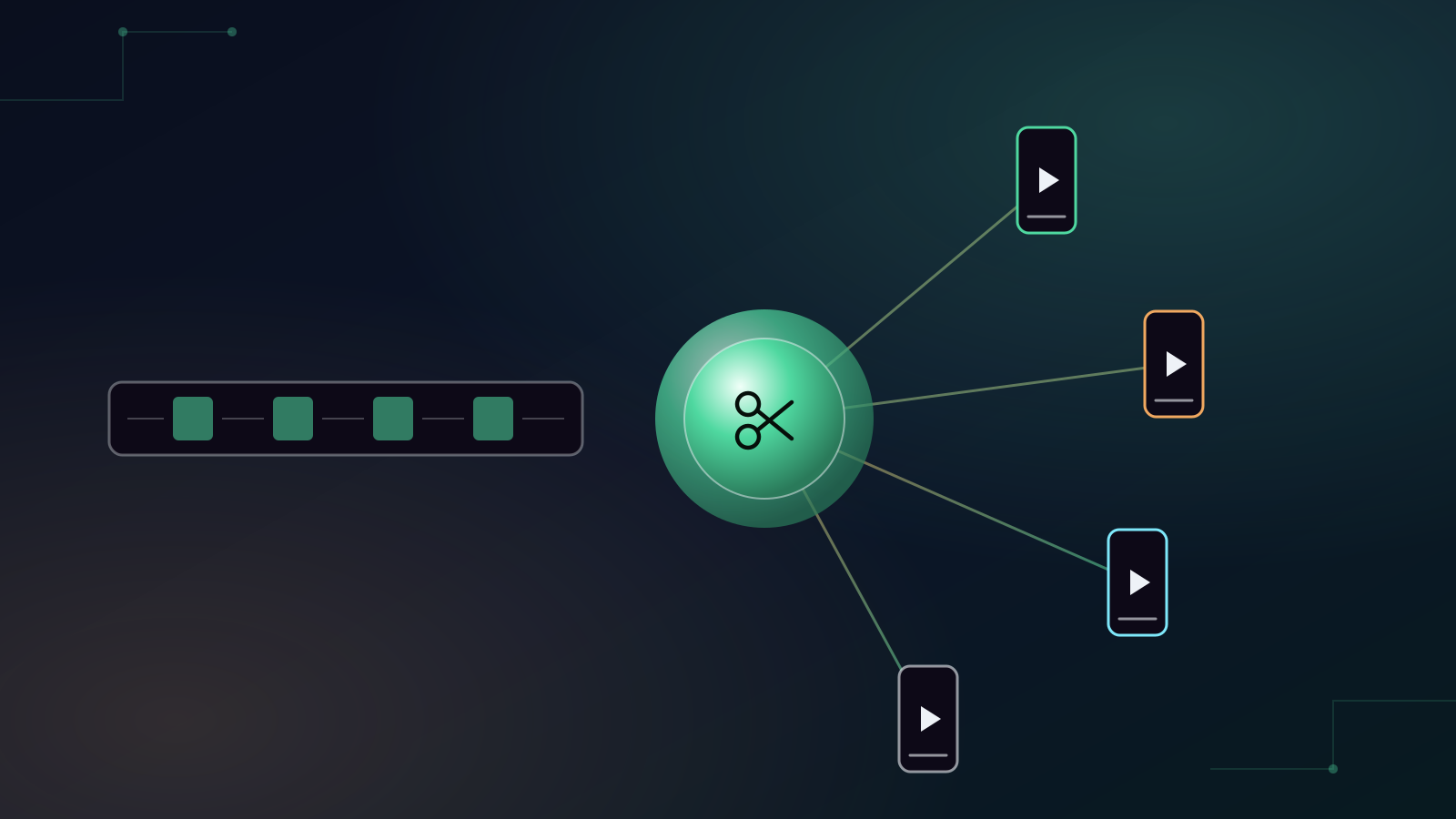
You have an hour-long podcast. A 30-minute interview. A product demonstration. A webinar. Or maybe 47 minutes of footage sitting on your phone that you've been promising yourself you'll edit.
The problem isn't creating content anymore. It's turning all that content into something people will actually watch.
A single long video could potentially become a YouTube video, several TikToks, Instagram Reels, YouTube Shorts and LinkedIn posts. But manually finding the best moments, cutting clips, adding captions, resizing videos and publishing everything can take hours.
That's exactly the kind of repetitive work AI is getting remarkably good at. Here are five AI video tools worth investigating in 2026. Importantly, they don't all solve the same problem.
Affiliate disclosure: some links in this article are affiliate links. If you sign up through them, Okiru may earn a commission at no extra cost to you.
1. OpusClip: turn one long video into multiple short videos
Imagine you've recorded a 45-minute podcast. Instead of watching the entire recording again to find five interesting moments, you give the video to AI. It identifies potential highlights, cuts them, reframes them vertically, adds captions and prepares short-form content you can publish.
That's the core appeal of OpusClip. OpusClip describes itself as an AI video clipping and editing platform that can turn long videos into short clips. Its current tools include AI clipping, animated captions, reframing, B-roll, audio enhancement, voice-over and social publishing.
Who should consider it? OpusClip makes particular sense for:
- Podcasters
- YouTubers
- Coaches
- Businesses producing webinars
- Interview channels
- Content agencies
- Livestreamers
- Creators producing long-form videos
Essentially, if you're already creating long videos, OpusClip helps you extract more content from work you've already done. And that can completely change the economics of content creation. Instead of 1 recording = 1 piece of content, you start thinking 1 recording = an entire week of content.
How much does OpusClip cost? At the time of writing, OpusClip lists a free plan, a Starter plan at US$15 a month and a Pro plan at US$29 a month, with a lower rate for annual billing and a free trial advertised. Pricing can change, so check the current offer before subscribing.
2. VEED: for people who want more control over the edit
Not everybody wants AI to make every decision. Sometimes you want AI to accelerate editing while still having an actual video editor available. That's where VEED becomes interesting.
VEED is better thought of as an online video-production environment with AI functionality rather than simply an automatic clipping tool. That distinction matters. If you're creating:
- Marketing videos
- Social media videos
- Presentations
- Training content
- Product demonstrations
- Business videos
you may want more control over the final result than a completely automated workflow gives you.
For a small business without a dedicated video-editing team, tools in this category can significantly reduce the technical barrier to producing professional-looking content.
3. Submagic: when short-form content is the priority
There's a reason modern TikTok, Instagram Reel and YouTube Short captions look so different from traditional subtitles. Words appear dynamically. Important phrases are emphasised. Emojis appear. The captions themselves become part of the entertainment.
That's the territory tools such as Submagic target. Instead of treating captions as an accessibility feature added at the end, they're treated as part of the video's visual style.
Consider Submagic if you're creating:
- TikToks
- Instagram Reels
- YouTube Shorts
- Talking-head content
- Educational short videos
- Personal-brand content
This is particularly relevant if you're producing a large volume of short-form video and don't want to manually animate subtitles for every clip.
4. Syllaby: start with the content idea, not the video
Here's a completely different problem. What if you don't have a 40-minute video waiting to be edited? What if your problem is: "I don't know what videos to make."
That's where tools such as Syllaby become more interesting. Instead of focusing exclusively on editing footage you've already created, this category of AI tool tries to help earlier in the content-production process.
That's useful for businesses that know they should be creating social content but repeatedly get stuck at: what should we post today?
A useful AI video workflow doesn't necessarily begin with editing. It can begin with:
Idea → script → video → editing → publishing → measurement
If your biggest bottleneck is at the beginning of that chain, choosing an editing tool alone won't solve it.
5. Virvid: another AI video workflow worth testing
The AI video market is moving extremely quickly. That means smaller and newer platforms can be worth testing alongside the established names. Virvid is another option in Okiru's AI video category.
Rather than automatically paying for whichever video platform has the biggest advertising budget, use the free trials or entry-level options available and run the same project through several tools. For example, create the same 30-second promotional video with three platforms. Then compare:
- How long did it take?
- How much manual editing was required?
- Which output actually looked best?
- Which platform was easiest to use?
- How much would producing 20 videos per month cost?
That's a much better purchasing test than watching somebody else's sponsored YouTube review.
Which AI video tool should you choose?
Don't start with the brand. Start with the problem.
- "I already have long videos." Start by investigating OpusClip. Its core workflow is specifically designed around turning longer recordings into shorter social content.
- "I want an online video editor with AI features." Investigate VEED.
- "I mainly make TikToks, Reels and Shorts." Compare Submagic and OpusClip.
- "I struggle to figure out what content to create." Investigate Syllaby.
- "I want to experiment with newer AI video tools." Add Virvid to your comparison.
Here's the bigger opportunity most businesses miss
Suppose your company records one useful 30-minute conversation every week. That conversation could potentially become:
- 1 long-form YouTube video
- 5 short clips
- 5 Instagram Reels
- 5 TikToks
- 5 YouTube Shorts
- LinkedIn posts
- A blog article
- An email newsletter
You don't necessarily need to constantly create more ideas. You need to extract more value from the content you're already producing. That's why AI video tools are becoming interesting for businesses, not just influencers.
Don't buy five AI video subscriptions
This is important. You don't need OpusClip, VEED, Submagic, Syllaby and every other AI video platform simultaneously. That defeats the purpose.
Pick your biggest bottleneck. Then test two or three tools against that exact problem. If you're spending six hours every week cutting podcasts into Shorts, test tools specifically against that six-hour task.
If one reduces six hours to one hour, you can calculate whether the subscription makes financial sense. That's a much better way to buy AI.
Let Okiru help you compare AI tools before you subscribe
The five platforms above represent only a small part of the AI video market. And that's the problem. There are now so many AI products that finding the right tool can take almost as much time as doing the work yourself.
That's why we built the Okiru AI Tool Advisor. Tell it what you're trying to accomplish instead of starting with a brand. For example:
- "I have a podcast and want to automatically turn each episode into TikToks."
- "I run a small business and need to create promotional videos without hiring an editor."
- "I need an AI tool that creates social videos from a script."
Okiru can then help you explore tools that match that use case.
You don't need more AI subscriptions. You need the right one.
Compare AI tools with the Okiru AI Tool Advisor →
Free. No signup required.
Frequently Asked Questions
Which AI video tool is best for turning a long video into short clips?
OpusClip is built specifically around that workflow. It identifies potential highlights in a longer recording, cuts them, reframes them vertically and adds captions so they are ready for short-form platforms.
What is the difference between OpusClip and VEED?
OpusClip focuses on automatically clipping long videos into short ones. VEED is better thought of as an online video-production environment with AI features, suited to people who want more control over the final edit.
How much does OpusClip cost?
At the time of writing, OpusClip lists a free plan, a Starter plan at US$15 a month and a Pro plan at US$29 a month, with a free trial advertised. Pricing can change, so check the current offer before subscribing.
Do I need several AI video subscriptions?
No. Identify your biggest bottleneck, then test two or three tools against that exact task. If one reduces six hours of editing to one hour, you can calculate whether the subscription makes financial sense.
How can I find the right AI tool for my use case?
Describe what you are trying to accomplish in the Okiru AI Tool Advisor instead of starting with a brand. It is free and requires no signup.